
A local customer does not arrive at your homepage ready to study. They arrive with a question: “Can this business help me, and do I trust them enough to take the next step?” Your first screen needs to answer both quickly.
The seven-second test
Open your website on your phone. Do not scroll. Within seven seconds, can someone tell what you do, where you do it, why you are credible, and what they should do next? If any answer is missing, the design is asking the visitor to work too hard.
1. Say what you do in normal language
Your headline is not the place for a mystery. “Reliable electrical work for Greater Atlanta homes” will usually outperform a clever phrase that could belong to any company.
2. Show the work early
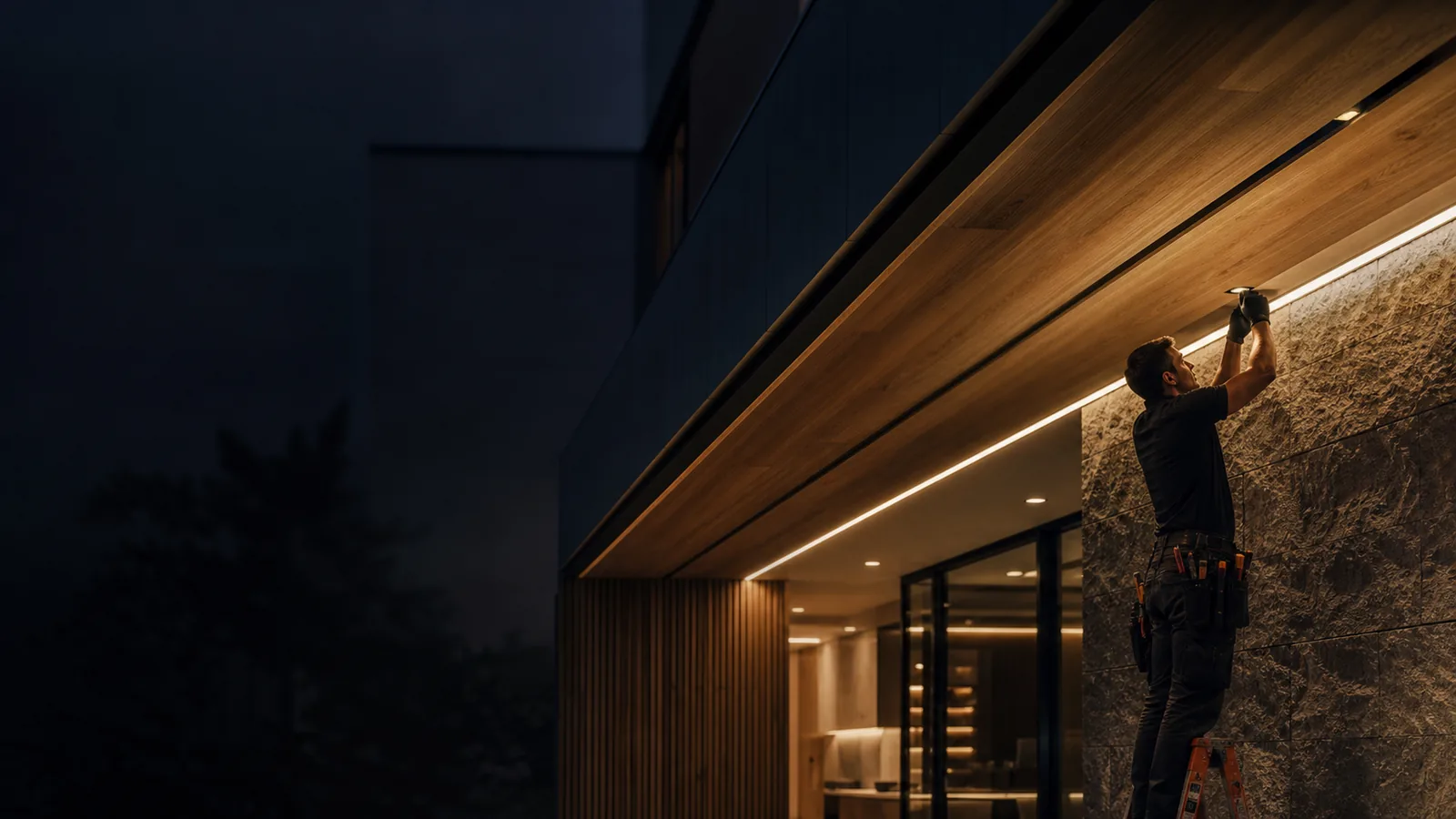
One strong, real image can build more confidence than five paragraphs. Use work that looks like the service you want more of.
3. Make one next step obvious
Call. Book. Request a quote. View the menu. Pick the action that matters most and make it visually unmistakable.
What trust actually looks like
Trust is usually a stack of small signals: a current website, readable pricing or process, specific service areas, reviews, recent work, and no dead links. None is dramatic alone. Together, they tell a customer the business is active and attentive.
Your next move
Ask someone who has never seen your business to open your homepage for seven seconds, close it, and tell you what they remember. Their answer is your real homepage, not the one you intended to make.